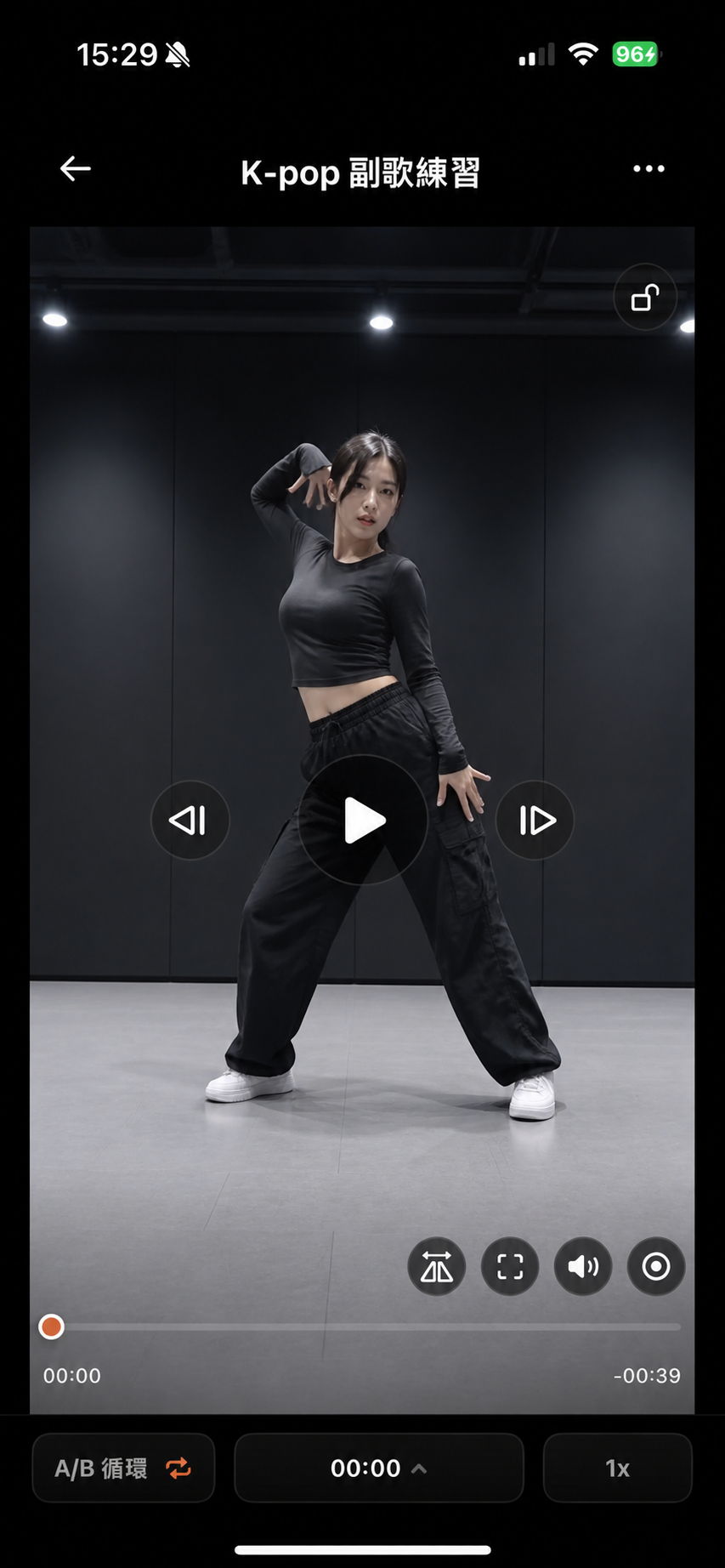
Mark the part you want to practice
Import from Photos or Files, then mark the few seconds you want to repeat.
Practice with a reference video, record yourself, then compare the two side by side.
Import the reference clip you want to practice, slow it down, loop it, or mirror it to see the details. Then record yourself and review it next to the reference.

A clip moves too fast, the part you need is short, and after recording you have to find the reference again. Those little interruptions make practice feel fragmented.
ReplayFlow puts those steps into one repeatable practice flow.
Start with the few seconds you want to practice. Study them, follow along, then review both videos together.
Import from Photos or Files, then mark the few seconds you want to repeat.
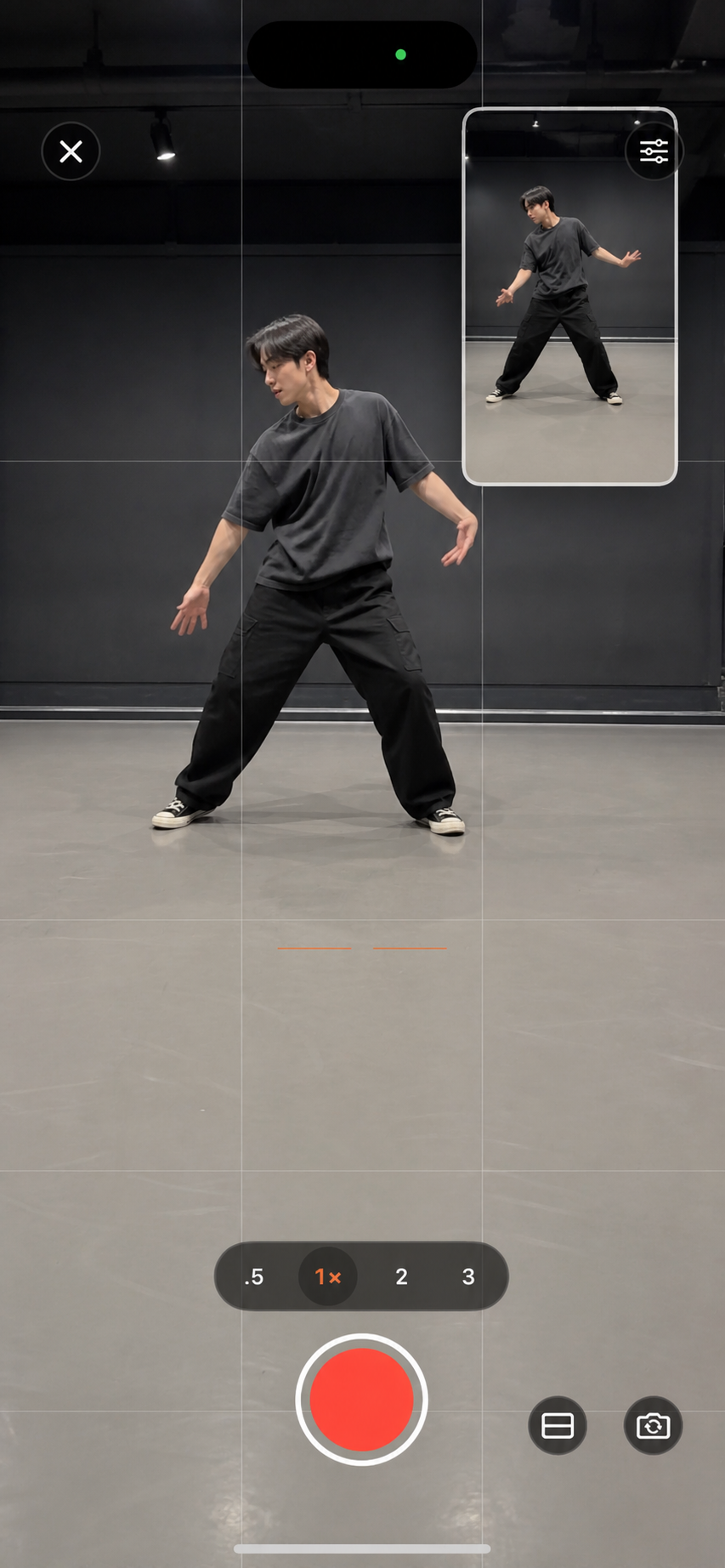
Keep the reference on screen, follow along, and record your own version at the same time.
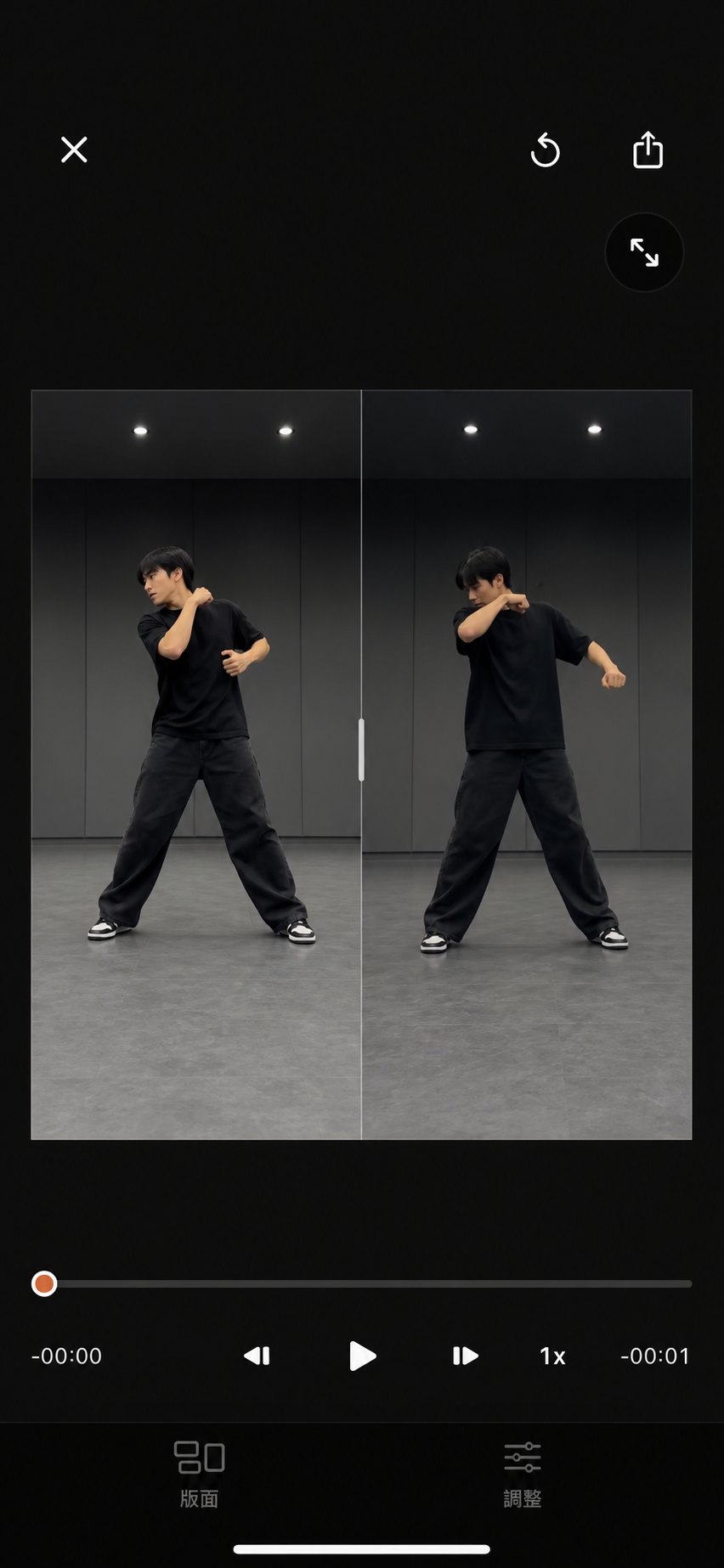
When recording ends, go straight to a synced comparison of timing, direction, and positioning.
Already recorded? Choose an existing practice video instead. You do not have to record again.
Learn about imported comparisonsWhile practicing
The reference and camera are visible together. Follow the move while you practice and record—without jumping between apps.
Two ways to compare
Record yourself or choose an existing practice video, then review it in sync with the reference. Compare directly instead of relying on memory, with slow motion and frame stepping when needed.
Use slow motion, looping, frame-by-frame review, and mirroring to study the details. Crop the frame and organize the segments you practice often, then pick up where you left off. Export a video whenever you need it.
Mark the segment you want to repeat and keep playback within that range.
Slow the reference down to see timing, balance, and direction more clearly.
Pause and move one frame at a time to check position and timing.
Flip the reference video horizontally so you can practice in the same direction more easily.
Crop out distractions to focus on the movement you want to practice.
Name, categorize, and save the segments you practice often so you can get back to them faster.
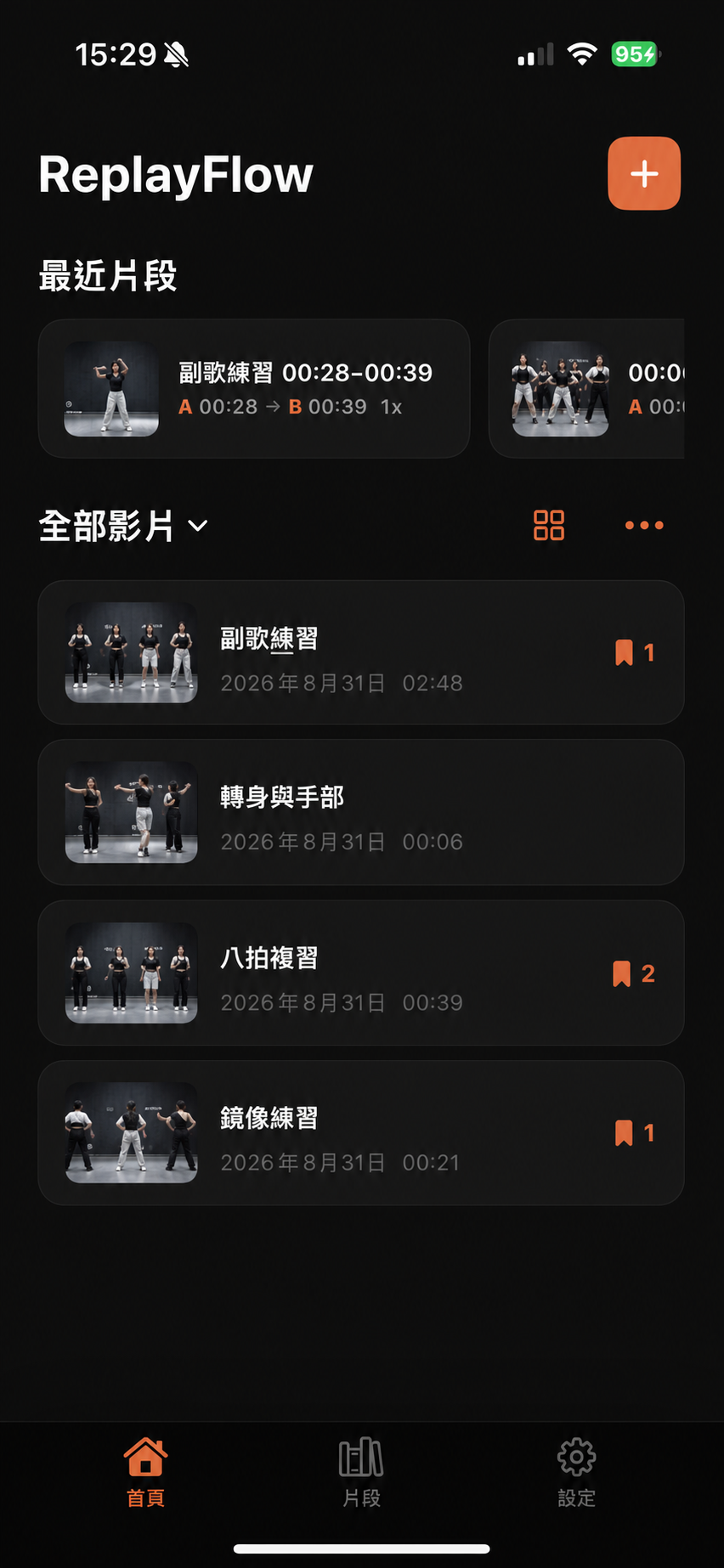
Build your practice library
Saved segments keep their A/B range, playback speed, mirroring, and mute settings. Name and categorize your videos and segments to find the ones you practice often.
See what you can do with FreeReplayFlow isn't limited to one type of movement or skill. Organize videos and clips around the way you practice.
Free includes importing a reference, marking clips, slow motion and looping, recording or choosing a video to compare, manual sync, audio selection, and export.
Pro unlocks unlimited reference videos, unlimited saved segments per video, unlimited video comparisons, watermark-free exports, and comparison videos up to 1080p.
| Free | Recommended ReplayFlow Pro | |
|---|---|---|
|
Reference videos
Import reference videos and organize commonly used practice material. |
3 videos | Unlimited |
|
Saved segments per video
Save A/B ranges you want to practice repeatedly. |
2 segments | Unlimited |
|
Recording comparisons
Record your practice with the reference, then review them side by side. |
3 per day | Unlimited |
|
Imported comparisons
Choose another existing video and compare it with the reference side by side. |
2 per day | Unlimited |
|
Export results
Export your practice results to share or review later. |
With watermark | No watermark |
|
Comparison video quality
Standard quality is ideal for faster sharing; high quality preserves more detail. |
720p | Up to 1080p |
|
Custom comparison layout
Customize the layout, aspect ratio, split position, picture-in-picture placement and size, or swap video positions. |
Preview only | Full customization |
|
Video cover
Choose the cover shown in your list and video details page. |
Automatic cover | Customizable |
ReplayFlow doesn't require an account or actively upload reference videos, recordings, selected comparison videos, or comparison results to ReplayFlow.
Before you start
Clear answers about importing, syncing, saving, and supported devices.
Contact ReplayFlow SupportReplayFlow is for people who repeatedly practice a movement or process from video. Common uses include K-pop dance, jump rope, fitness, yoga, martial arts, and ball skills. It also works for crafts and other video tutorials.
ReplayFlow supports importing videos from Photos or the Files app, up to 10 minutes per video. If a video only exists in iCloud Photos, iOS may need to download the original file first. ReplayFlow does not actively upload your videos to a server.
The free version includes reference video import, saved segments, slow motion and looping, recording or selected-video comparisons, manual sync, audio selection, and export.
Pro includes unlimited reference videos, unlimited saved segments per video, unlimited video comparisons, watermark-free exports, custom layouts, and comparison videos up to 1080p.
No. The free version has no ads and includes slow motion, looping, recording or selected-video comparisons, and export. Limits apply to reference videos, saved segments, daily comparisons, and some export features.
No account is required. Open ReplayFlow and import a video to start practicing.
No. ReplayFlow doesn't actively upload reference videos, recordings, selected comparison videos, or comparison results to ReplayFlow servers. It currently has no account or cloud sync features.
No. After recording, ReplayFlow opens the comparison view. Choose Save to Photos after exporting to save the video to Photos. Share Video opens the system share sheet.
Email [email protected], or open the app and go to Settings → Report Issue or Feedback. Please include your device model, system version, app version, and screenshots when reporting an issue.
Choose a segment, record your version or select another video, align it with the reference, and keep practicing.